The hard part of mixing in FL Studio is not finding plugins, it is deciding what goes first. Put the same EQ, compressor and reverb in a different order and you get a different result, sometimes a worse one. Here is a chain order that works on vocals, guitars, synths and drum buses, plus the reason each step sits where it does.
Gain staging comes before any plugin
Every plugin you add changes the level of the signal. If your track already peaks near 0 dBFS, the first EQ boost or compressor makeup gain will push it into clipping, and everything after that is damage control.
Set levels before you open a single plugin:
- Aim for peaks around -12 to -6 dBFS on individual mixer tracks. That leaves room for EQ boosts and processing.
- Keep the master meter peaking around -6 to -3 dBFS while you mix. You want the master clean and quiet until the final stage.
- Use the channel volume knob in the Channel Rack, the sample’s own gain, or a Fruity Balance in the first mixer slot to trim. Do not rely on the fader alone, because you will need the fader later for balance.
- Check the output gain on every plugin you insert. Fruity Limiter’s GAIN knob is a handy trim tool, and Fruity Compressor’s makeup gain is the usual suspect when things suddenly get loud.
Gain staging is not about being quiet for its own sake. It is about giving yourself headroom so a 3 dB EQ cut and a 4 dB compressor move do what you expect them to.
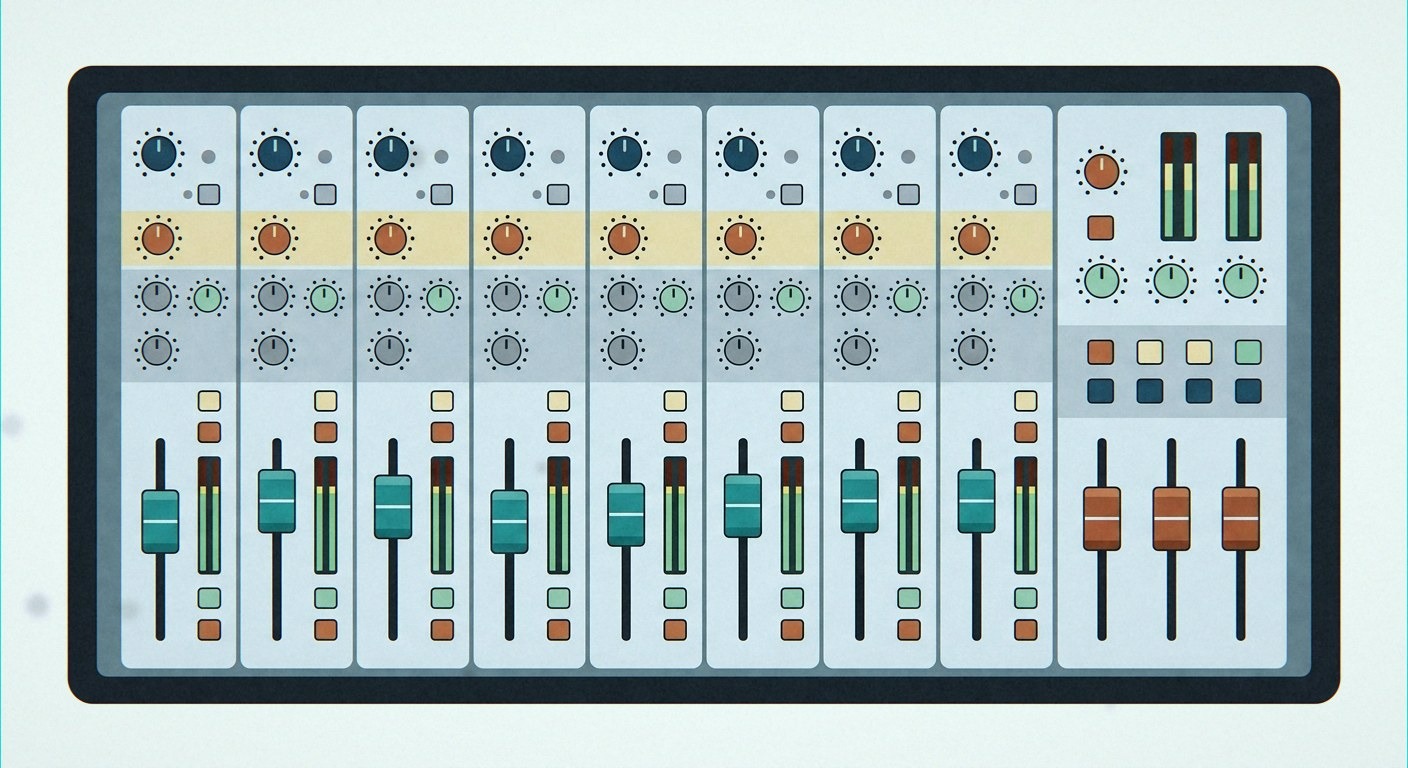
The default chain order
For a single channel or bus, start here:
- Subtractive EQ (cuts and high pass)
- Compression (control the dynamics that are left)
- Saturation or tone shaping (optional colour)
- Time effects (reverb and delay, usually on a send)
- Utility (stereo width, de-esser, final trim)
Why this order? EQ first means the compressor reacts to the sound you actually want, not to a rumble or a harsh resonance you are about to remove. Compression second means your saturation plugin is fed a stable signal. Time effects last means your reverb tail is not being squashed by the compressor every time the singer takes a breath.
Exceptions exist. A de-esser often goes before the compressor. A distortion pedal effect on a bass might come first. But when you are learning, treat the order above as the default and only break it for a reason you can explain out loud.
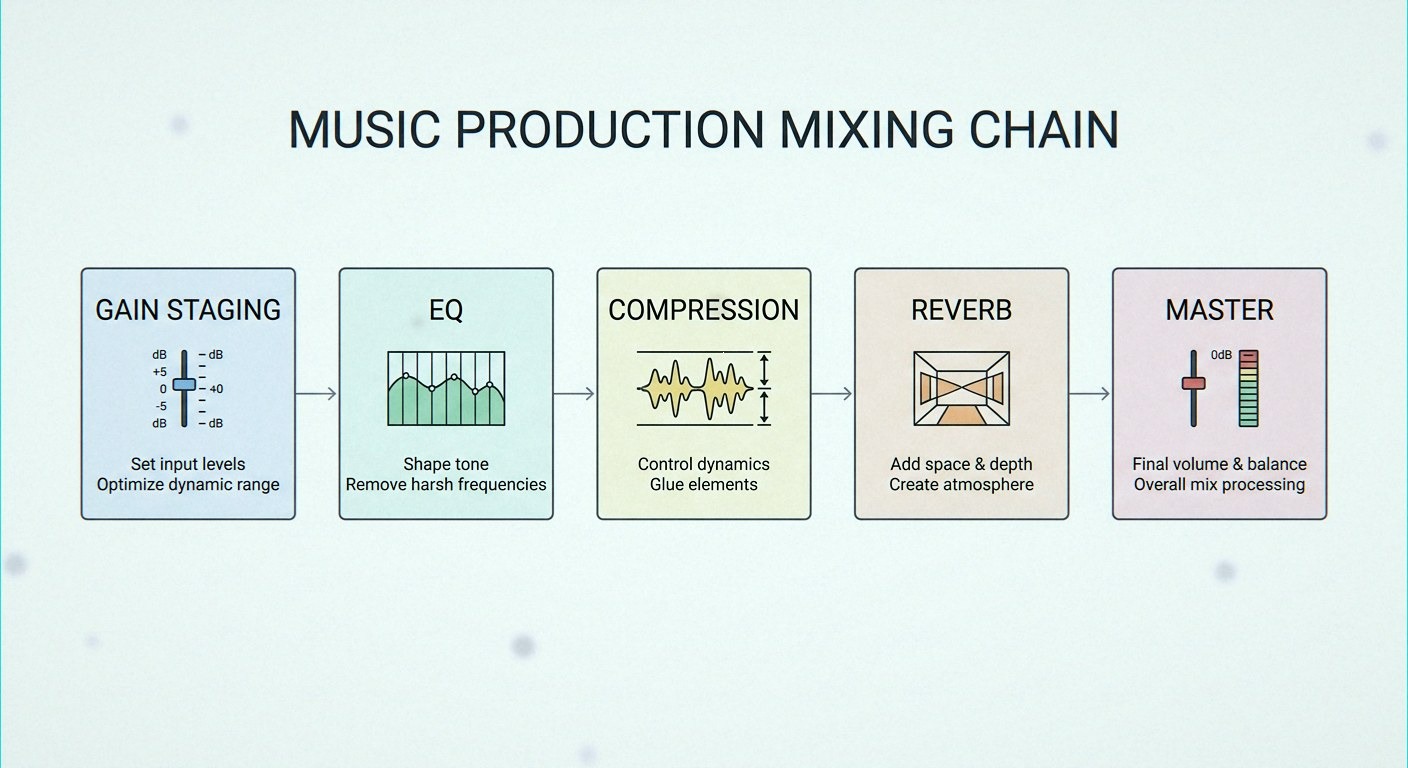
What each stage is actually doing
Subtractive EQ
Use Fruity Parametric EQ 2. Start with a high pass filter around 30 to 40 Hz on everything except kick and bass, and higher on vocals, guitars and hats. Then hunt for resonances: make a narrow boost of about 6 dB, sweep it slowly, and when something sounds boxy or harsh, flip that boost into a cut of 3 to 5 dB. Boosts are for broad tone shaping of a few dB at most.
Compression
Fruity Compressor or Fruity Limiter in COMP mode both work fine. A safe starting point for vocals and guitars: ratio 3:1, attack 10 to 20 ms, release around 100 ms. Lower the threshold until the gain reduction meter shows 3 to 6 dB on the loudest parts. Then raise the makeup gain so the level matches the bypassed signal. If you need more than 8 dB of reduction, use two gentle compressors in a row instead of one aggressive one.
Saturation
This is optional and often the difference between a mix that sounds flat and one that sounds finished. Fruity Soft Clipper or a light Fruity Fast Dist with low drive adds harmonics that make a sound feel louder without raising the peak level. Use it in small amounts and check the output gain afterwards.
Reverb and delay
Do not drop Fruity Reeverb 2 on every channel as an insert. Create one reverb on its own mixer track, then use the send knob on each source track to feed it. That way every element shares the same space, and you can change the wet amount without reopening the plugin. High pass the reverb so it does not add mud to the low end, and keep your delay in mono or narrow if the source is already wide.
Building the chain in FL Studio step by step
- Select the channel in the Channel Rack and press Ctrl+L to link it to the next free mixer track. Press F9 to open the mixer.
- Right click the track name, rename it (“Lead Vox”) and pick a colour. You will thank yourself later.
- Trim the level first. Add Fruity Balance or use the plugin’s own gain until peaks sit around -10 dBFS.
- Click a mixer slot and choose Fruity Parametric EQ 2, then Fruity Compressor, then any saturation. Order matters, so drag slots to rearrange if you add them out of sequence.
- For drums or backing vocals, route several tracks to one bus. Click the small arrow at the bottom of each source track and enable the bus track as a send. Process the bus as a unit after the individual tracks.
- Create a reverb send: pick an empty mixer track, load your reverb at 100 percent wet, then raise the send knob on the source track that feeds it.
- After each plugin, watch the meter and compare against a bypass. If the plugin only makes things louder, you have not improved anything.
- When the chain feels right, save it as a template with File > Save as template so your next project starts ready.
Mistakes that break this order
- Compressing before fixing the low end. The compressor pumps on rumble you were going to cut anyway.
- Stacking boosts. Five plugins each adding 3 dB at the same frequency is not tone, it is a problem.
- Two compressors doing the same job. One for peaks and one for body is fine. Two doing 10 dB each is not.
- Reverb on everything as an insert. Your mix turns to soup and you lose all sense of front and back.
- Mixing loud all day. Work at a comfortable level and check at low volume. Ears decide more than eyes do.
Gear that helps
A MIDI keyboard with a few knobs lets you ride a filter, a send level or a compressor threshold with your hand while the loop plays, which is far faster than drawing automation for every move. If you would rather play parts in on weighted keys and prefer sounds built in, a stage-style keyboard is a better fit for writing before you mix. Browse our MIDI keyboard and keyboard ranges to find one that fits your desk.